A pattern that
fills the whole page
Generate patterns at the exact size you need. Control the geometry, the scale and the color with precise settings. Use a mask to clear the areas you want left free. Export as vector or raster. It’s free. Actually free.
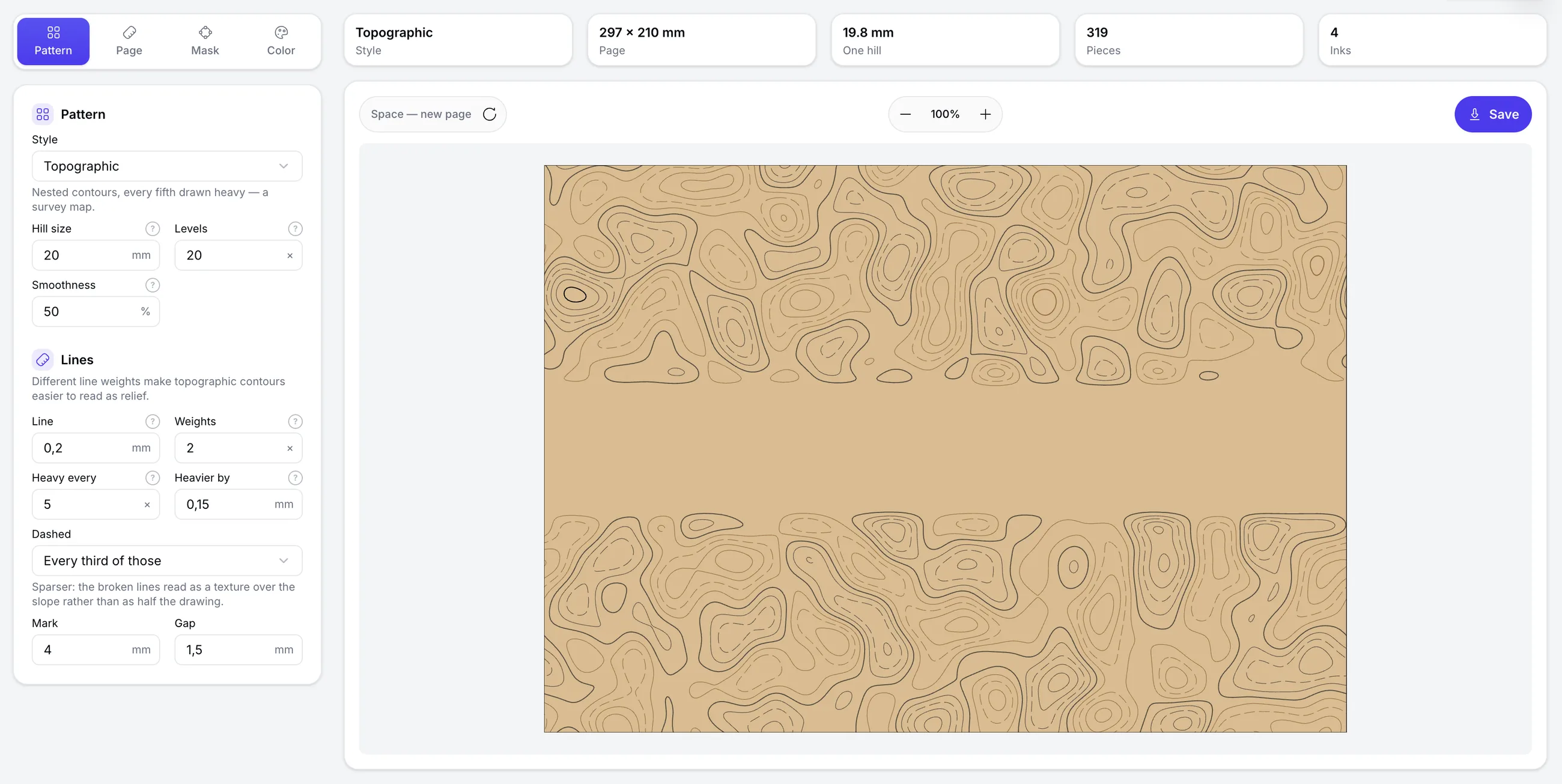
- Mask mode.
- Leave room for a headline, a logo or anything else. The pattern gives way round the area you set.
- At page size.
- The pattern is generated at the size you need, with bleed past the trim where the job wants it.
- Exact sizes.
- The page, the figures and the lines are set in millimeters. How many figures go across the width decides their size.
- Color.
- Set the colors in CMYK or RGB. Turn the background off to export the pattern with transparency.
- Export.
- Save the finished pattern as SVG, PDF, JPG or PNG. The raster formats take whatever resolution you set in DPI.
- Your artwork as a guide.
- Load a PDF or SVG of your own artwork and compose the pattern over it. The guide never reaches the exported file.
Every style
All styles, with the settings behind each one
Every page here was made in the tool and exported from it, and the settings behind it are listed along the foot of the card.
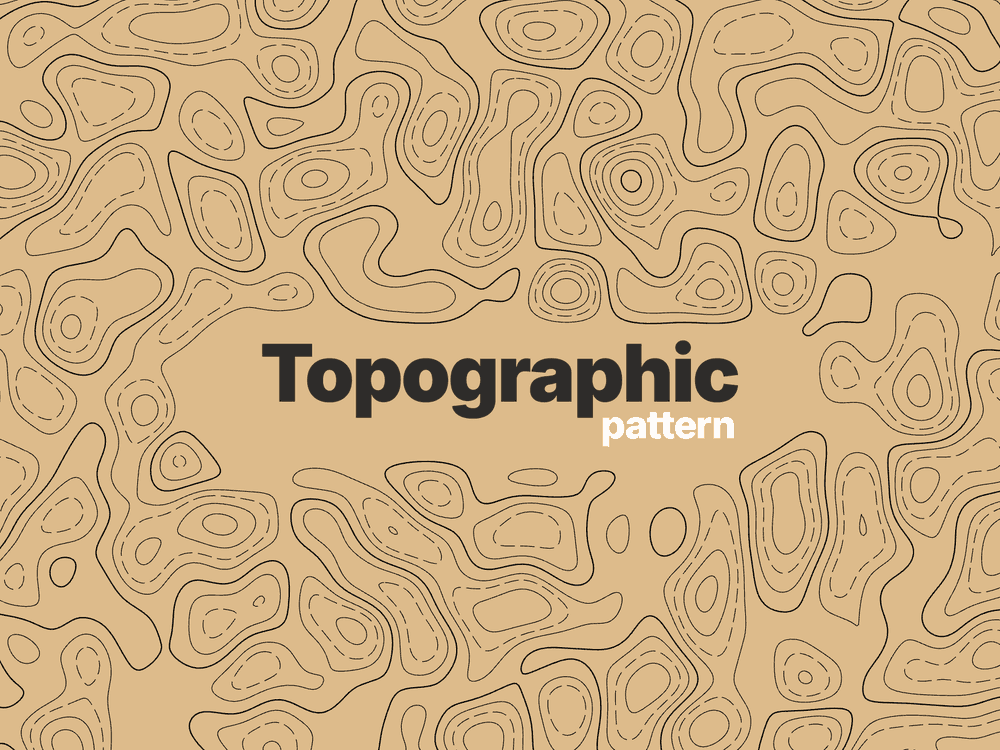
- Hill
- 20 mm
- Levels
- 20
- Smoothness
- 60%
- Line
- 0.2 mm
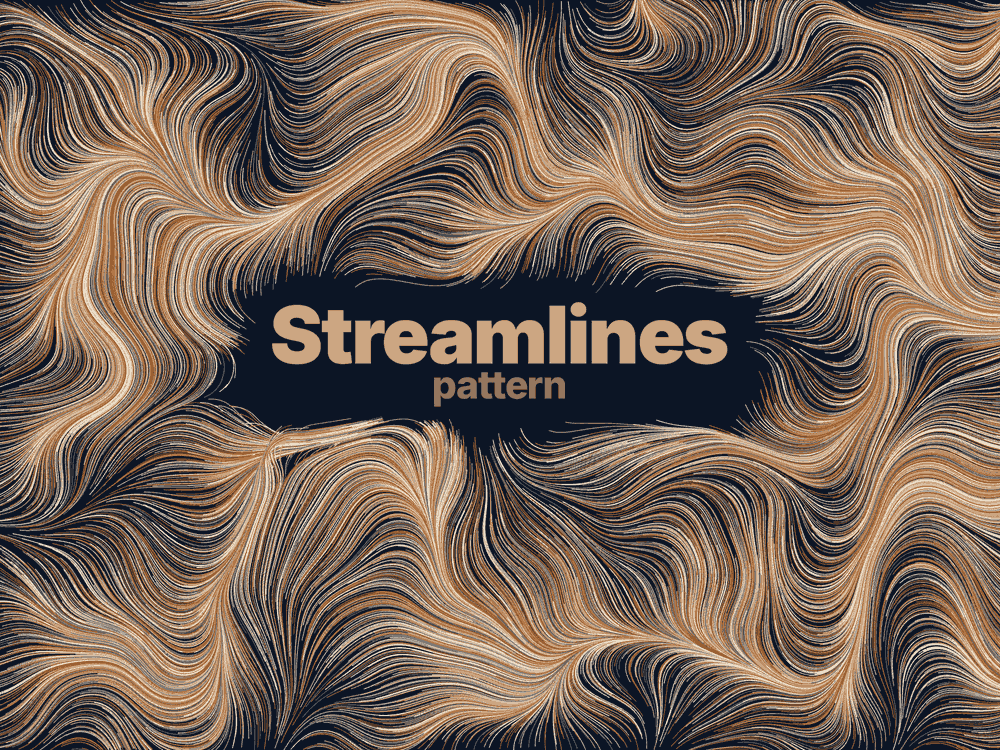
- Size
- 0.3 mm
- Length
- 60
- Scatter
- 80%
- Smoothness
- 55%
- Line
- 0.2 mm
- Angle
- 0°
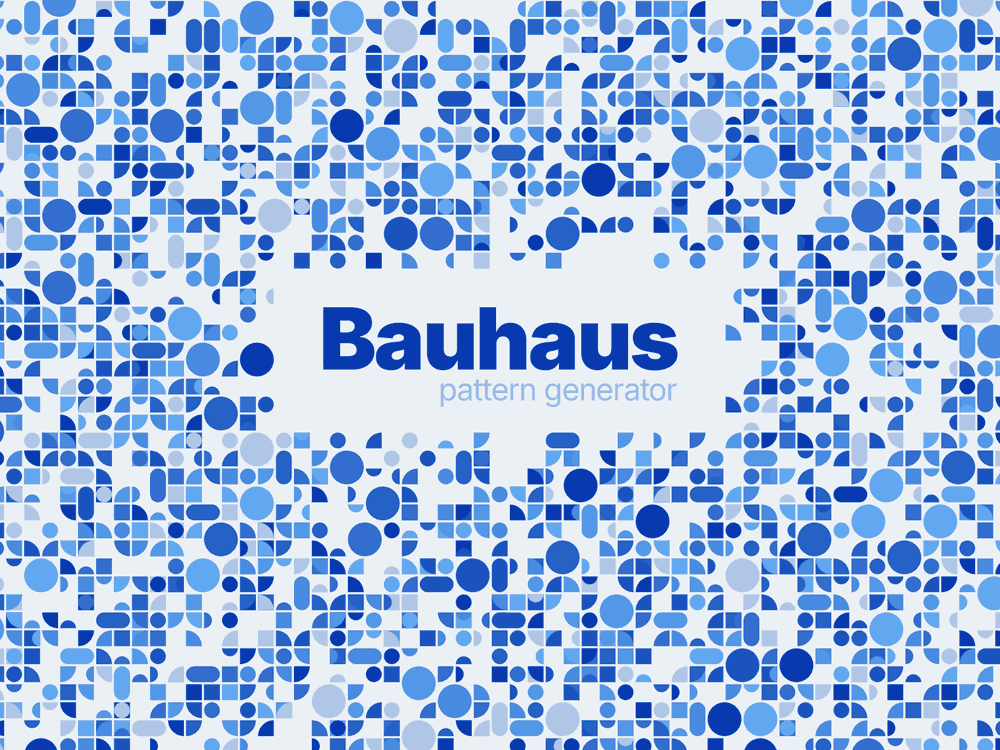
- Size
- 5 mm
- Fill
- 70%
- Gutter
- 0.6 mm
- Variety
- 70%
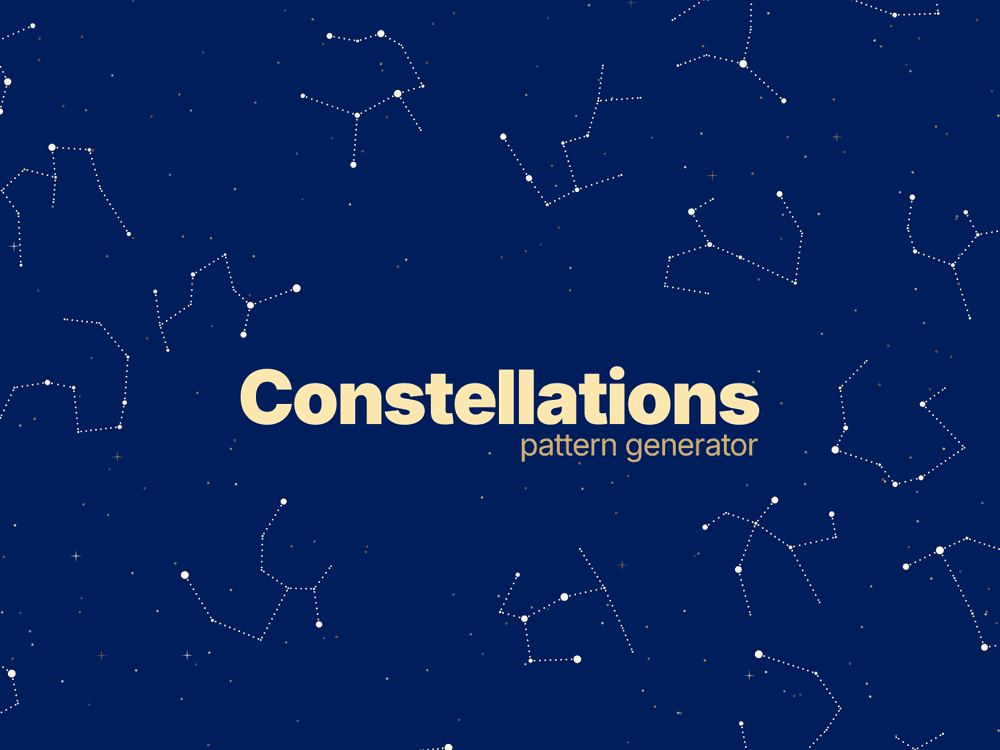
- Size
- 50 mm
- Levels
- 10
- Fill
- 100%
- Line
- 0.5 mm
- Figure
- 90%
- Brightest
- 5x
- Loose stars
- 2x
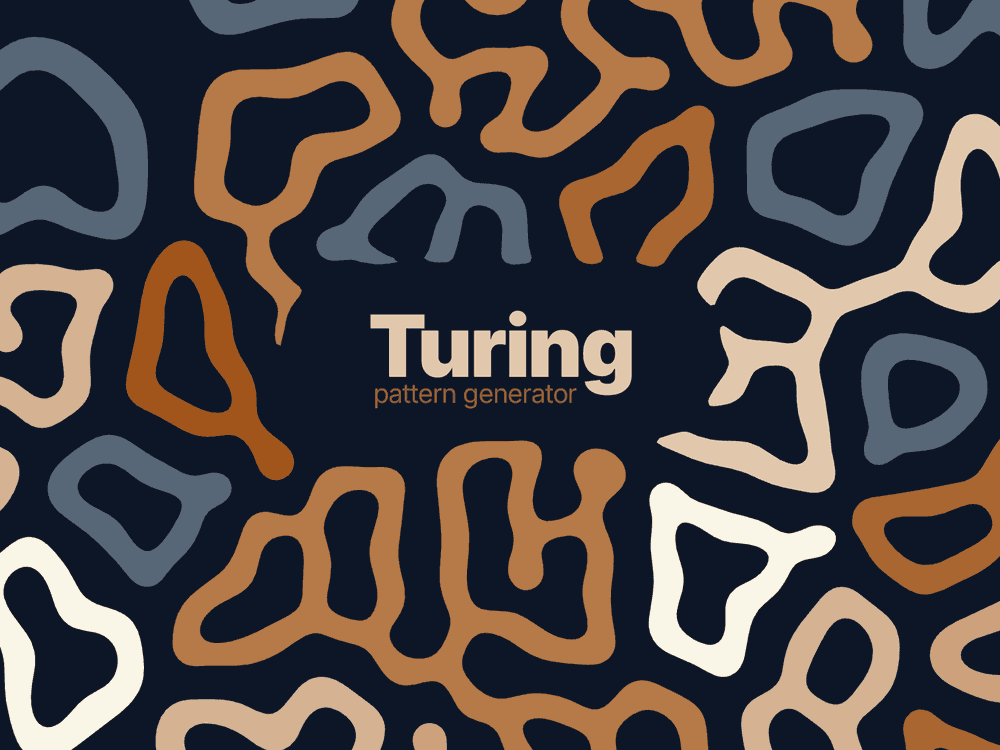
- Size
- 8 mm
- Fill
- 40%
- Form
- 50%
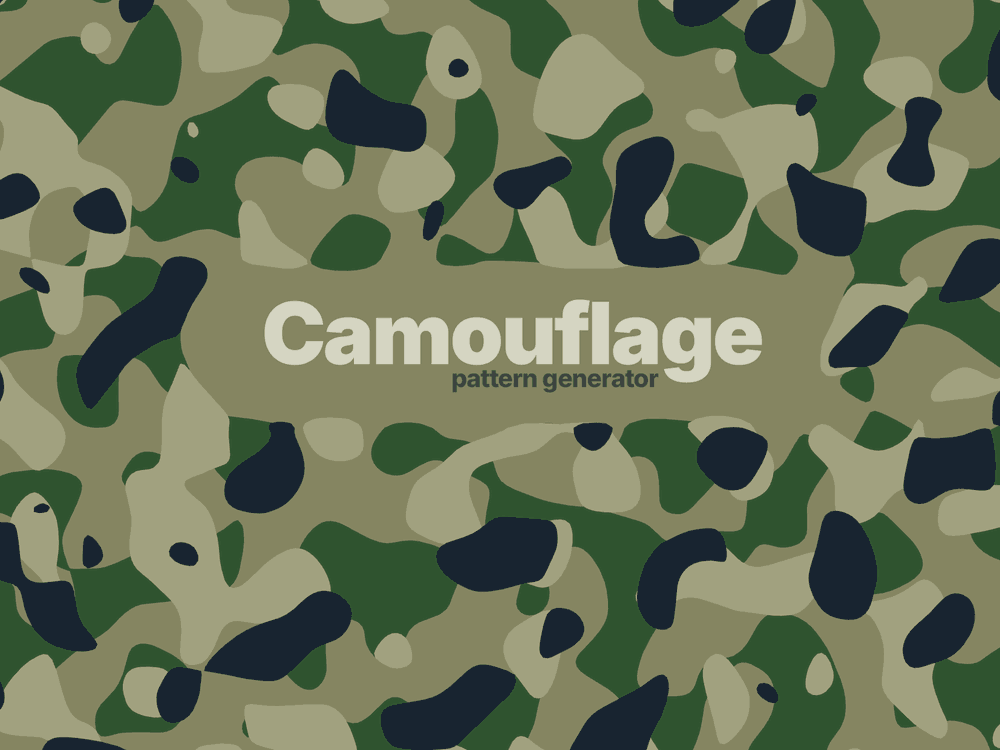
- Size
- 8 mm
- Tones
- 4
- Coverage
- 38%
- Each keeps
- 66%
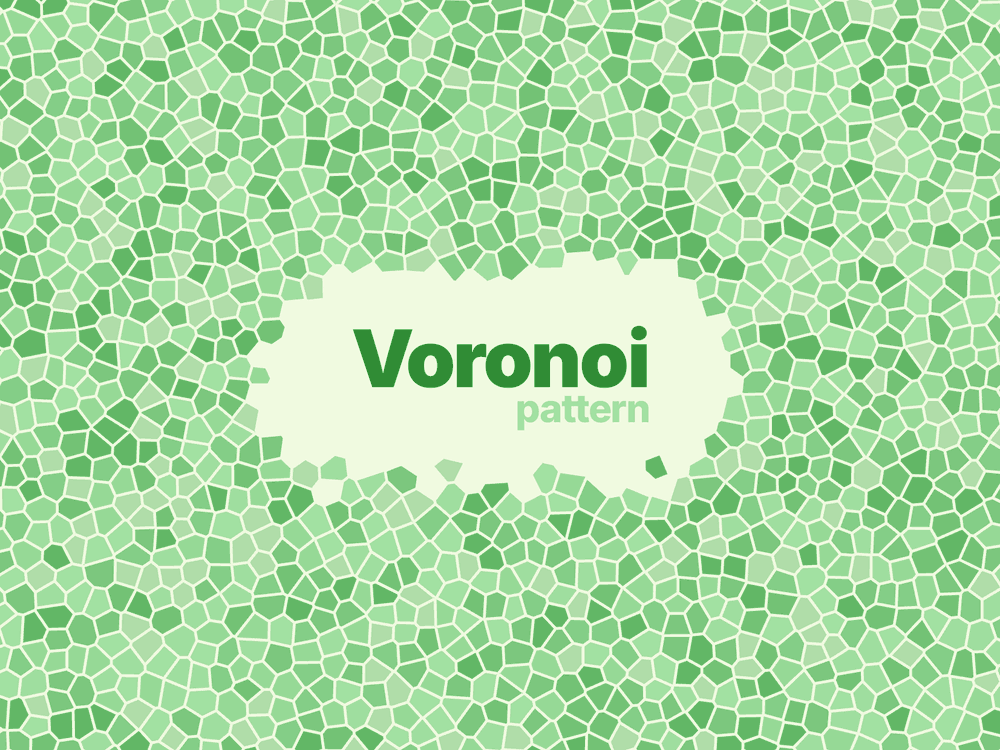
- Size
- 5 mm
- Smoothness
- 0%
- Gutter
- 0.4 mm
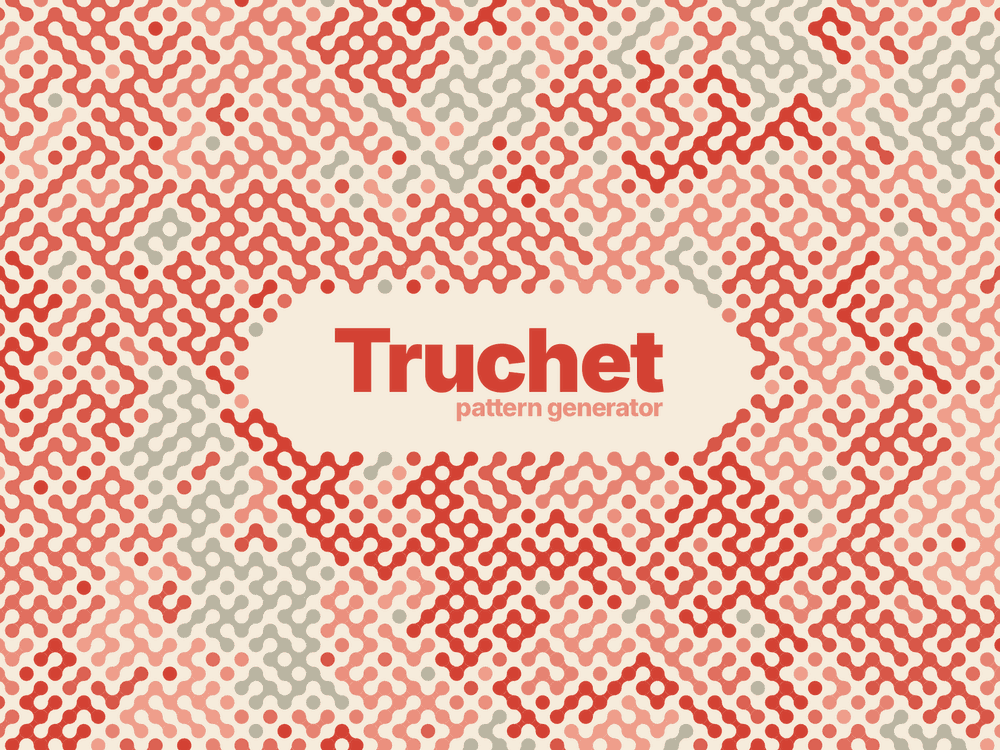
- Size
- 1.7 mm
- Links
- 55
- Radius
- 45%
- Angle
- 0°
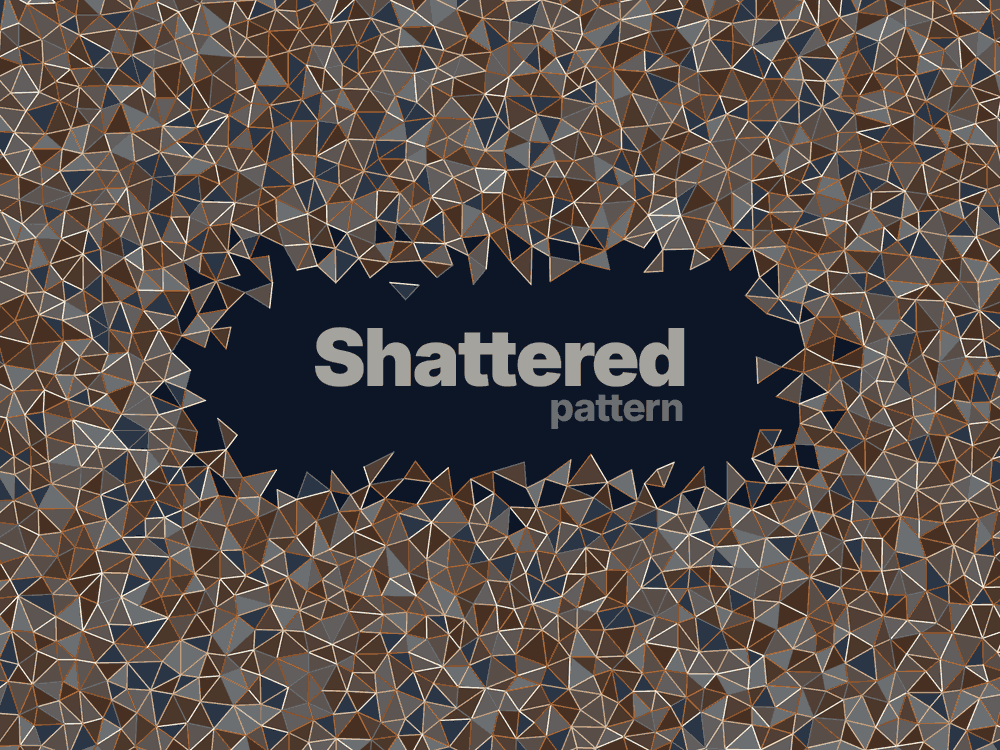
- Size
- 5 mm
- Tint
- 40
- Fill
- 100%
- Line
- 0.35 mm
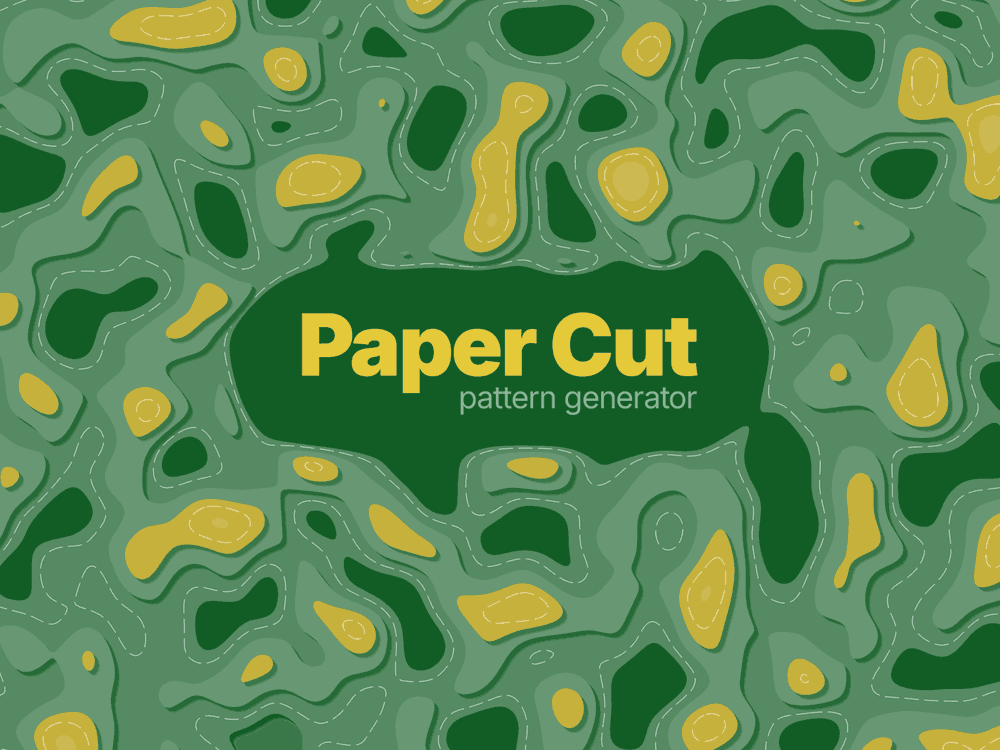
- Size
- 20 mm
- Levels
- 9
- Smoothness
- 50%
- Line
- 0.25 mm
- Shadow
- 2.4 mm
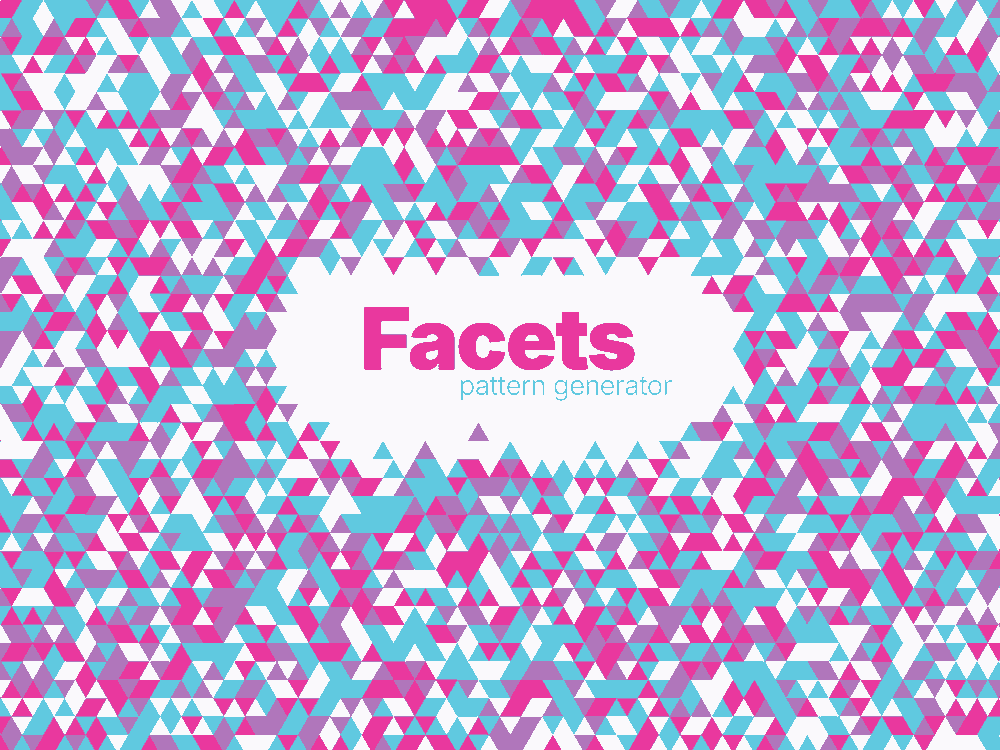
- Size
- 6 mm
- Fill
- 75%
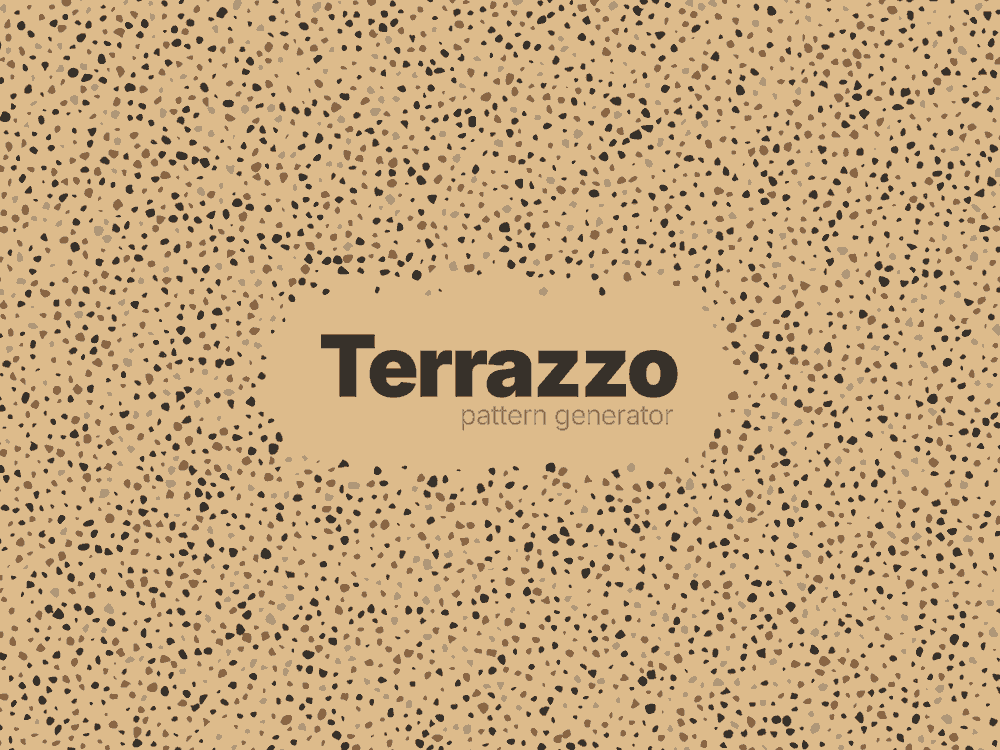
- Size
- 4 mm
- Fill
- 30%
- Scatter
- 90%
- Smoothness
- 40%
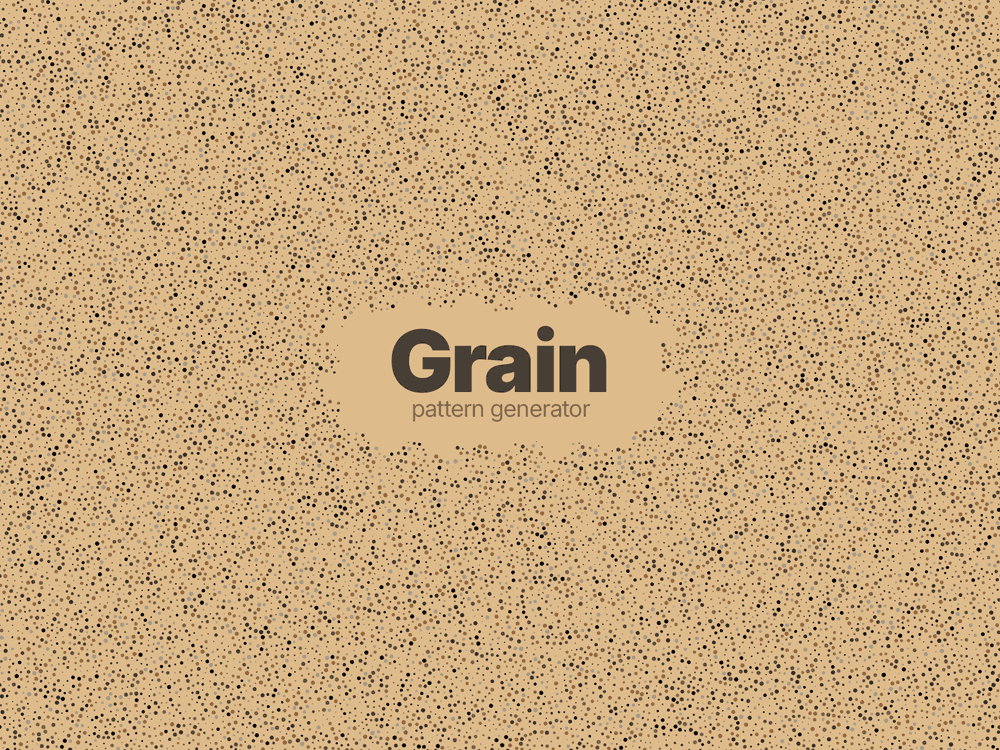
- Size
- 8 mm
- Fill
- 50%
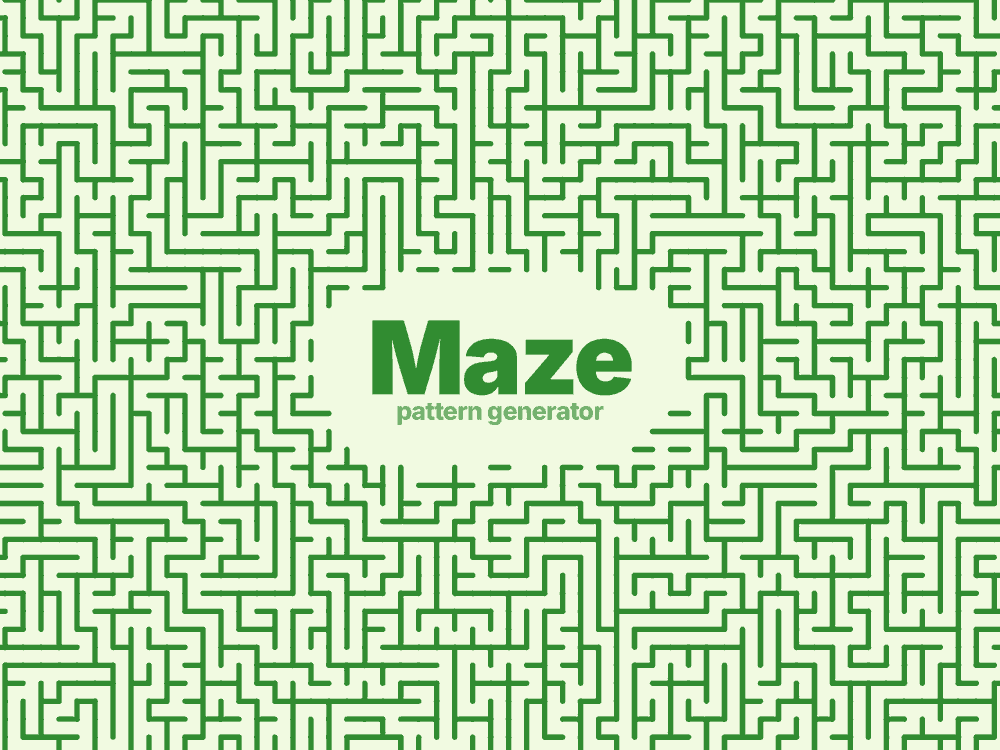
- Size
- 5 mm
- Line
- 1.5 mm
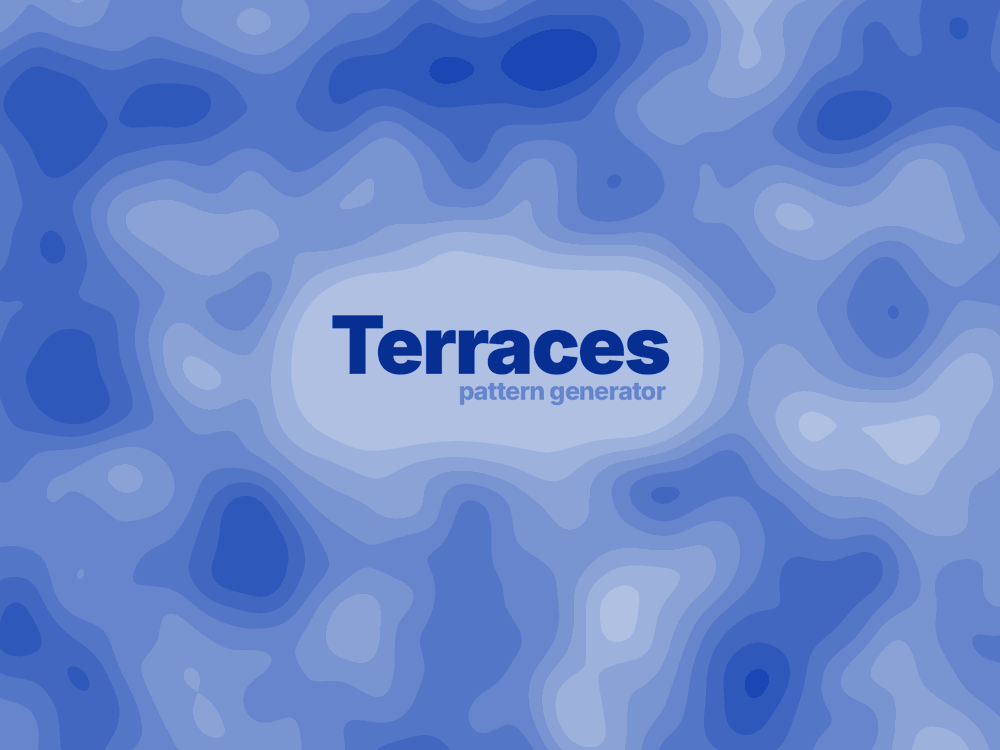
- Hill
- 50 mm
- Levels
- 10
- Smoothness
- 40%
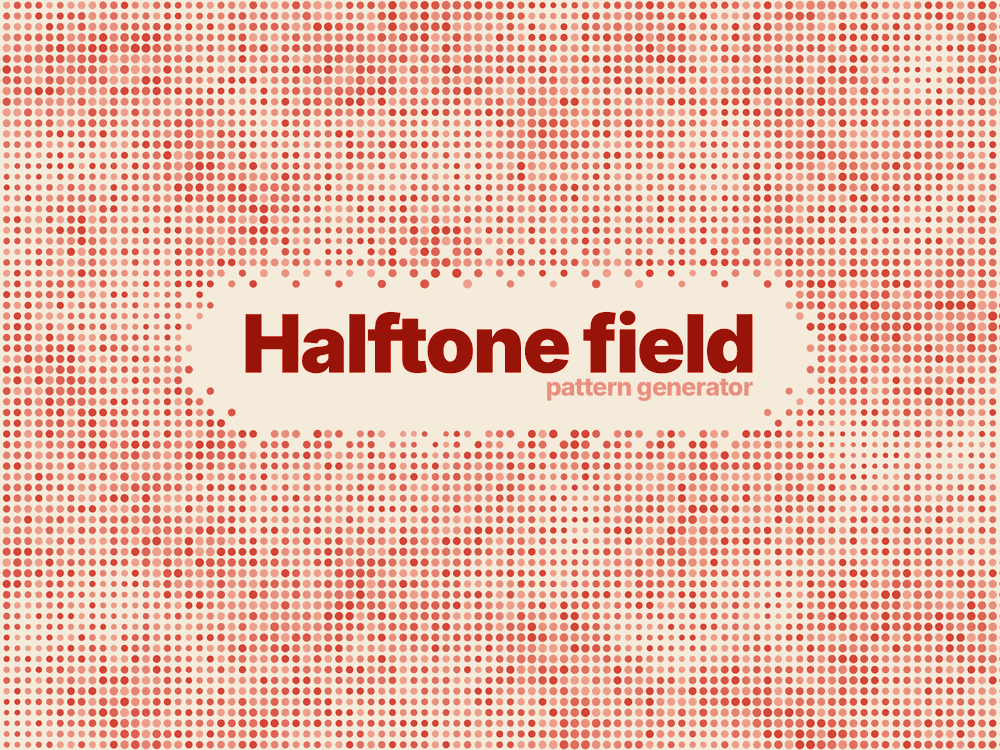
- Size
- 3 mm
- Levels
- 8
- Fill
- 50%
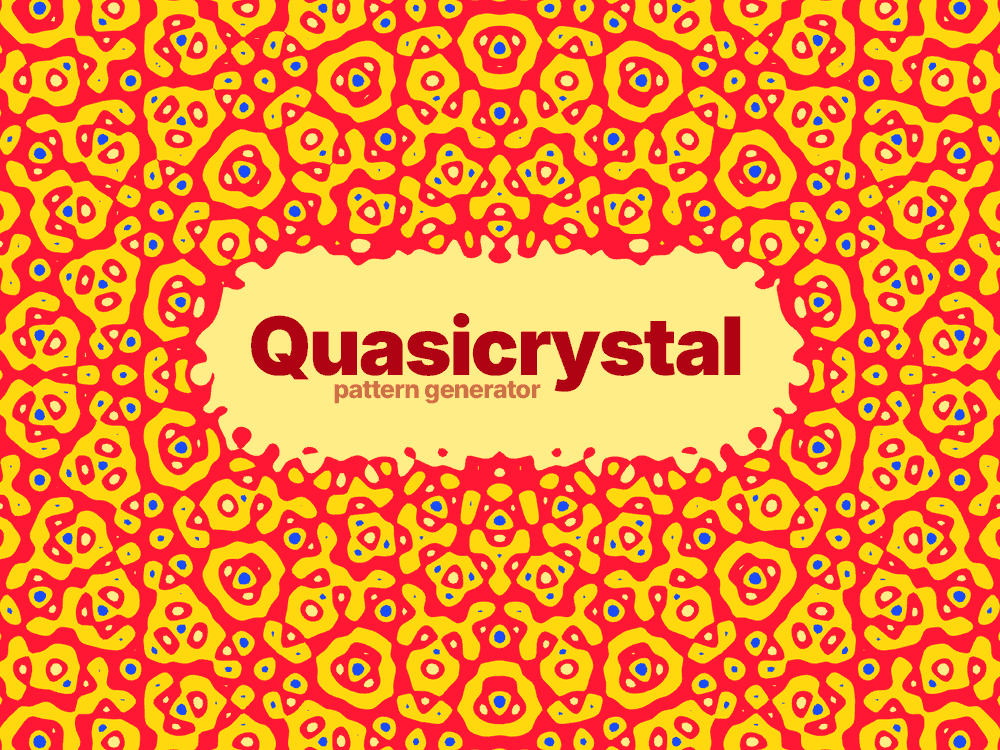
- Size
- 8 mm
- Levels
- 7
- Scatter
- 100%
- Angle
- 0°
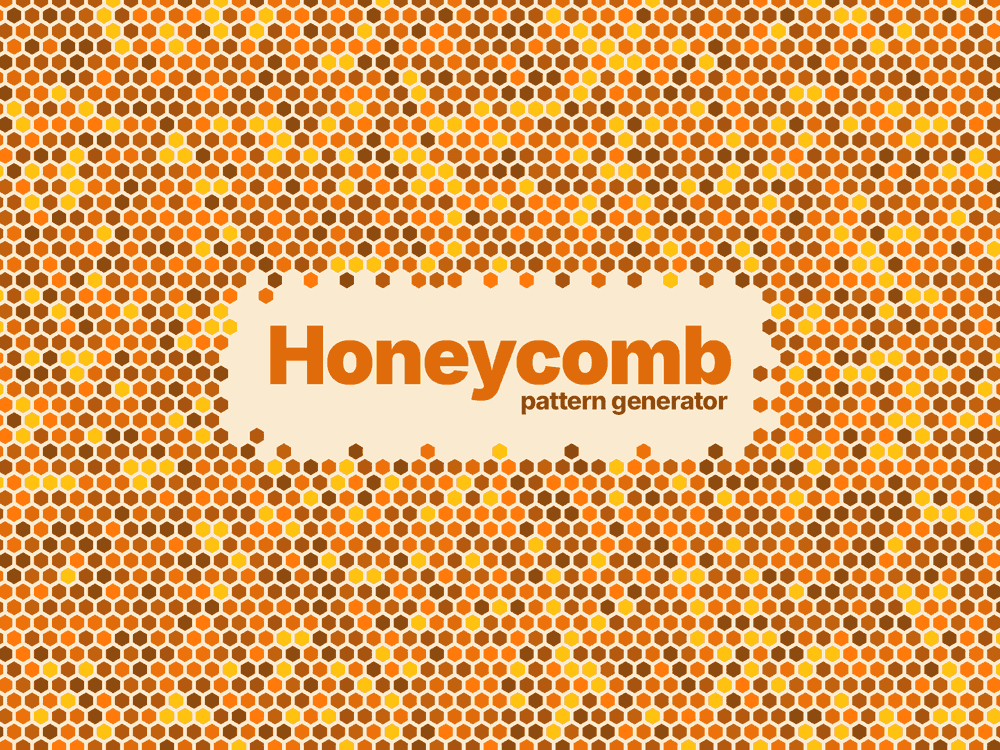
- Size
- 5 mm
- Fill
- 100%
- Smoothness
- 0%
- Gutter
- 0.2 mm
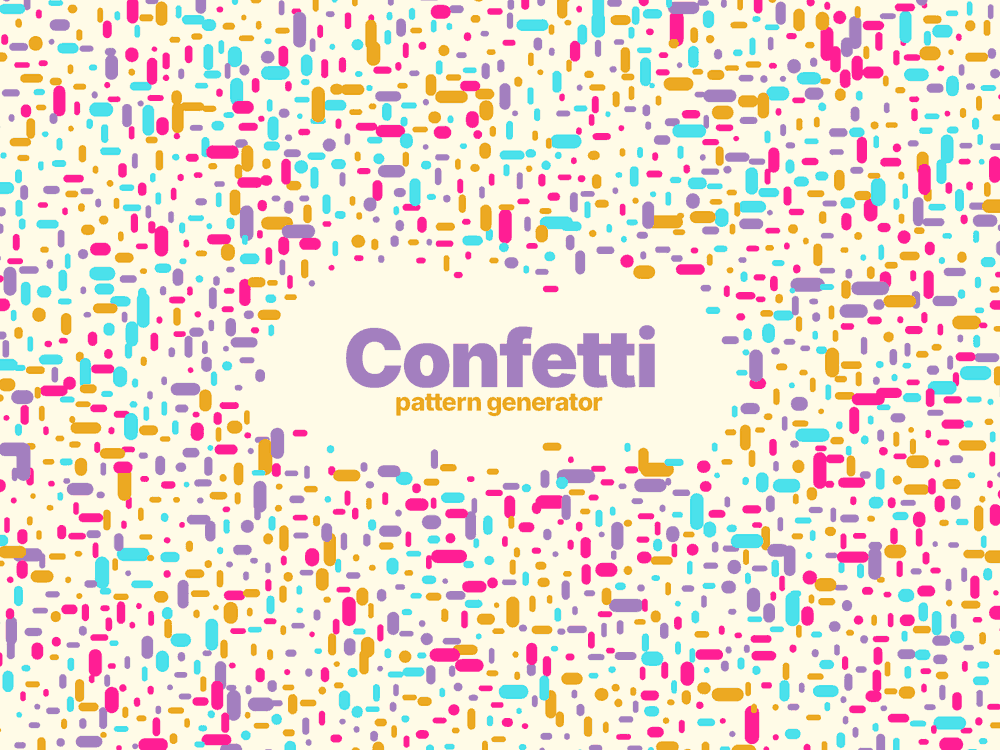
- Size
- 6 mm
- Fill
- 70%
- Scatter
- 40%
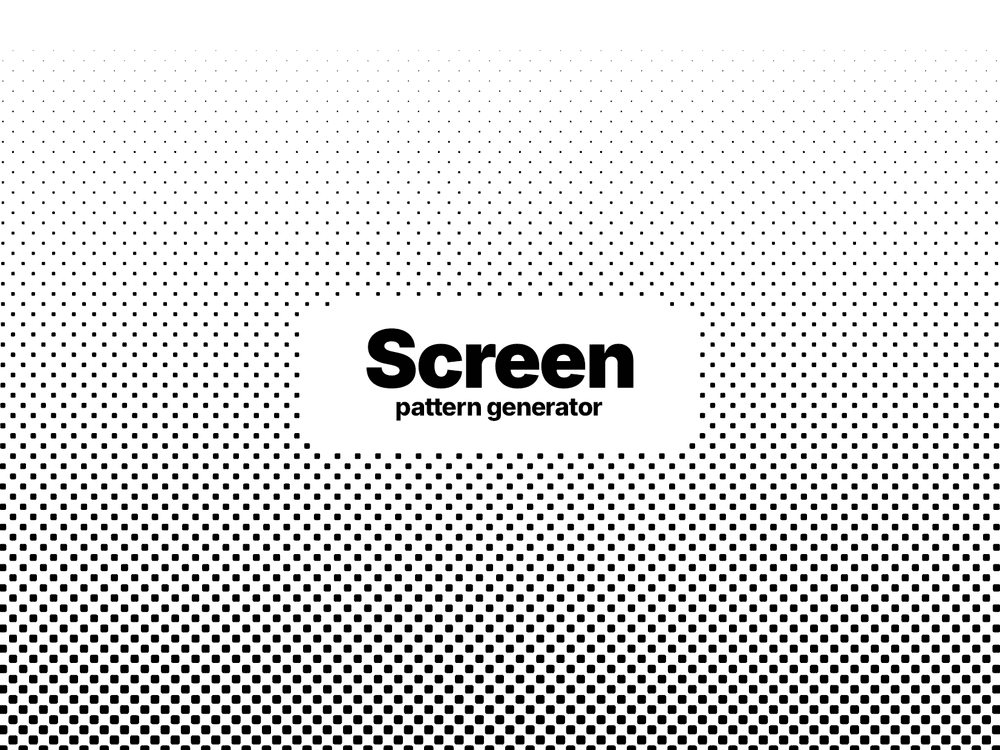
- Size
- 4 mm
- Levels
- 1
- Fill
- 65%
- Tone
- 270%
- Smoothness
- 45%
- Angle
- 45°
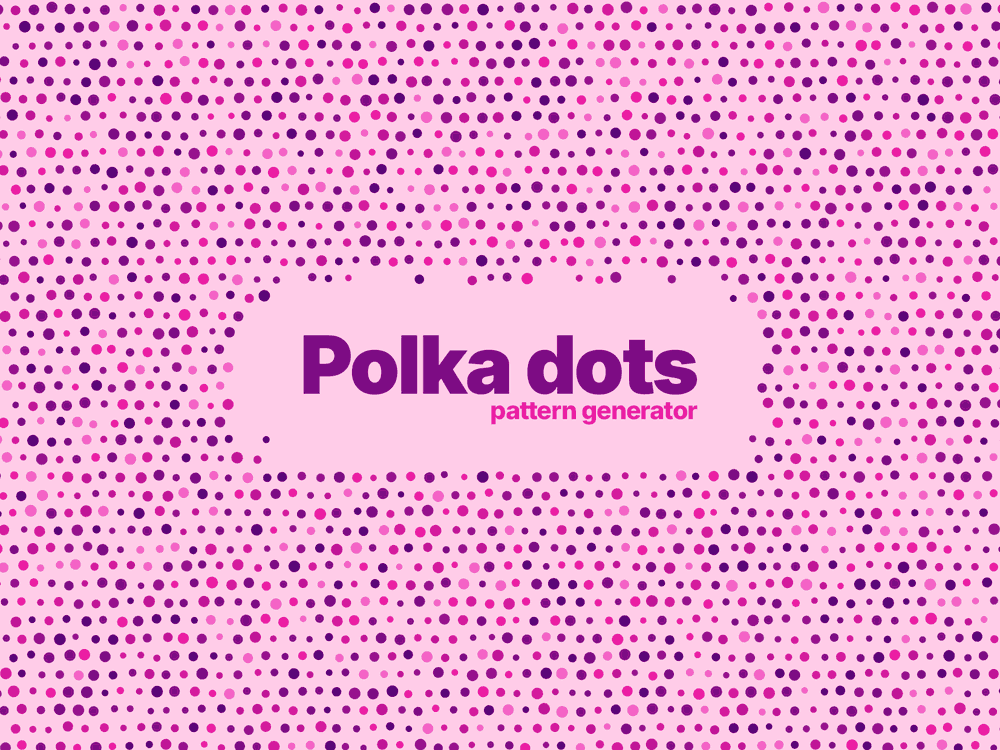
- Size
- 5 mm
- Fill
- 50%
- Scatter
- 60%
- Angle
- 0°
Mask mode
Leave room for the content
Set the area the pattern gives way to. Below are examples of the shapes a mask takes and the settings behind them.
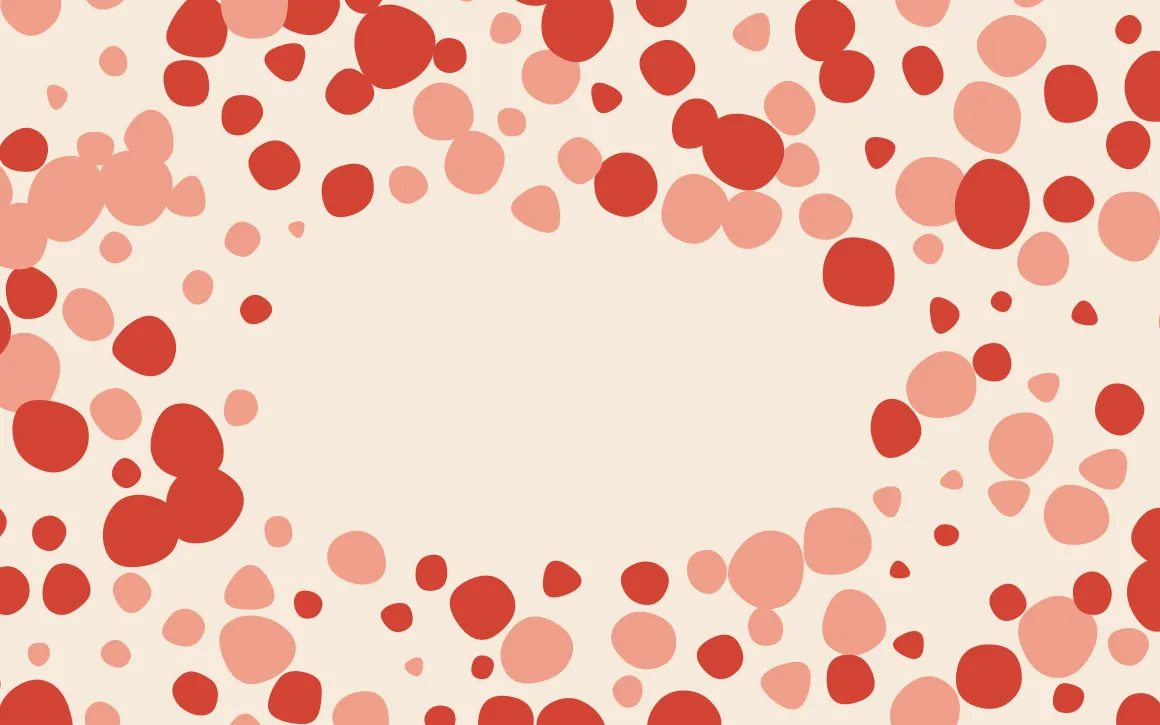
Rectangle
- Set a clear area in the shape of a rectangle
- Set its place, its size and how far the corners round
- Figures are never cut at the edge of the mask
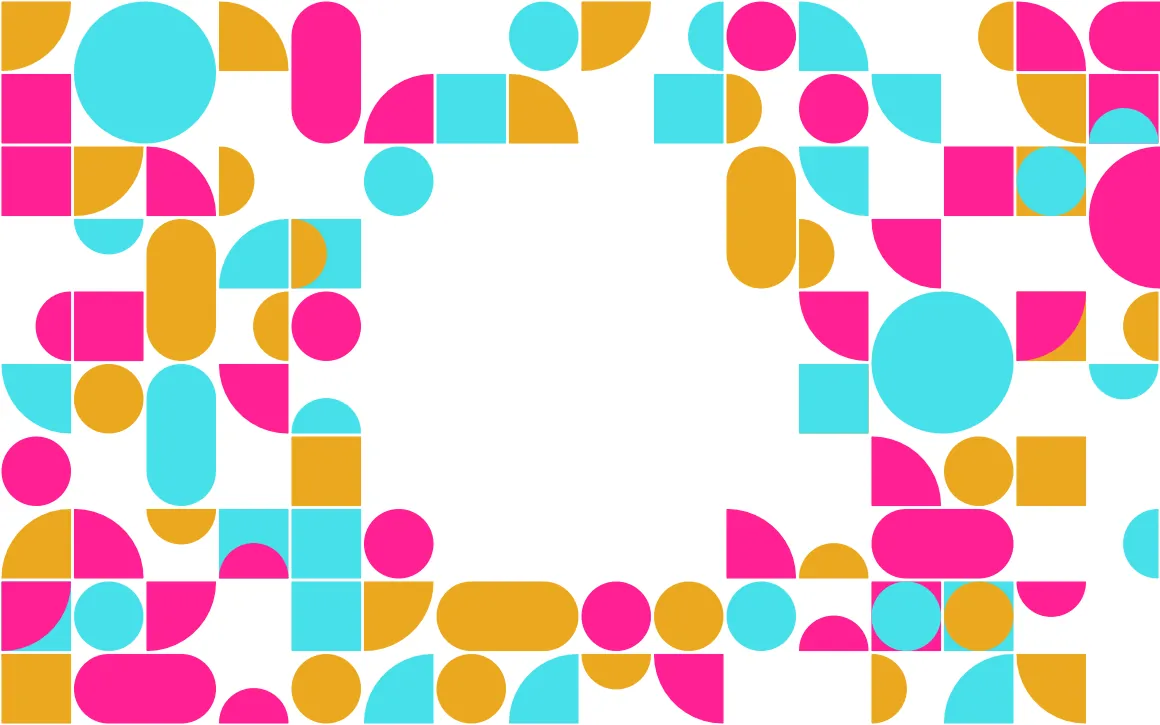
Circle
- Set a clear area in the shape of a circle
- Set its place and its size
- Figures are never cut at the edge of the mask

From the edge
- Clear an area from an edge or a corner of the page
- Point it in any direction
- Set how far in the clear area reaches
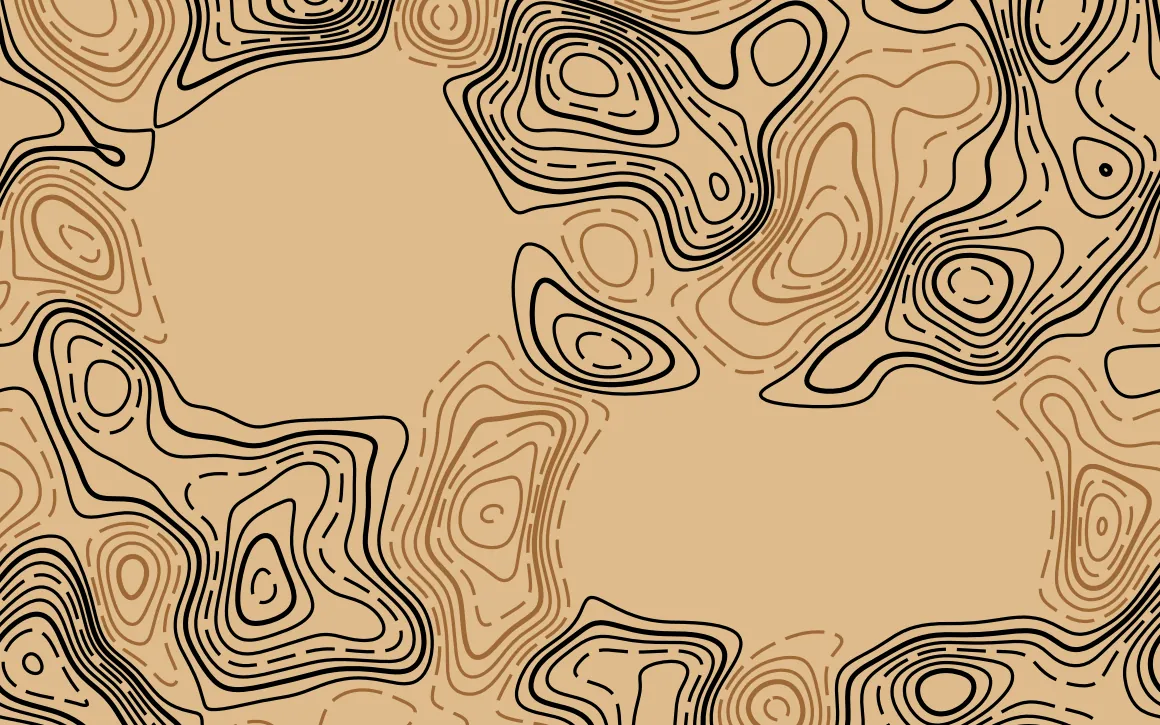
Several masks
- Use more than one mask on the same page
- Give each its own shape, size, place and turn
- Areas that overlap are joined automatically
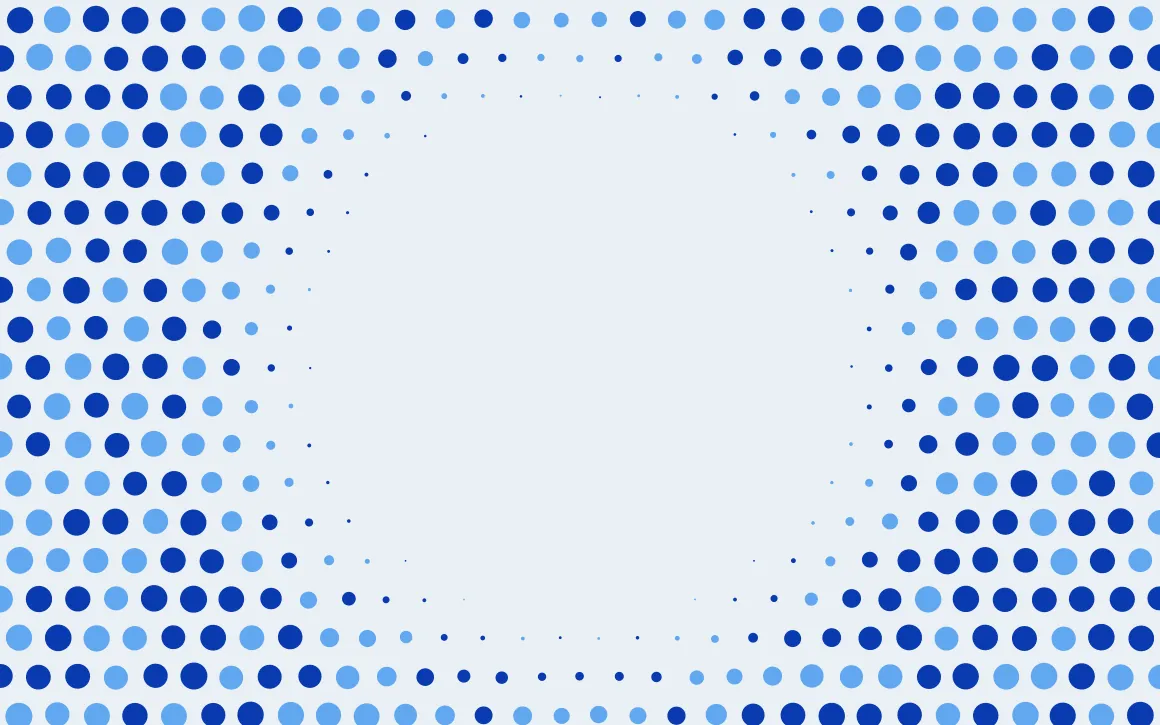
Feather
- Make the pattern fall away into the clear area
- Set how wide the transition is
- Choose how the figures fade out
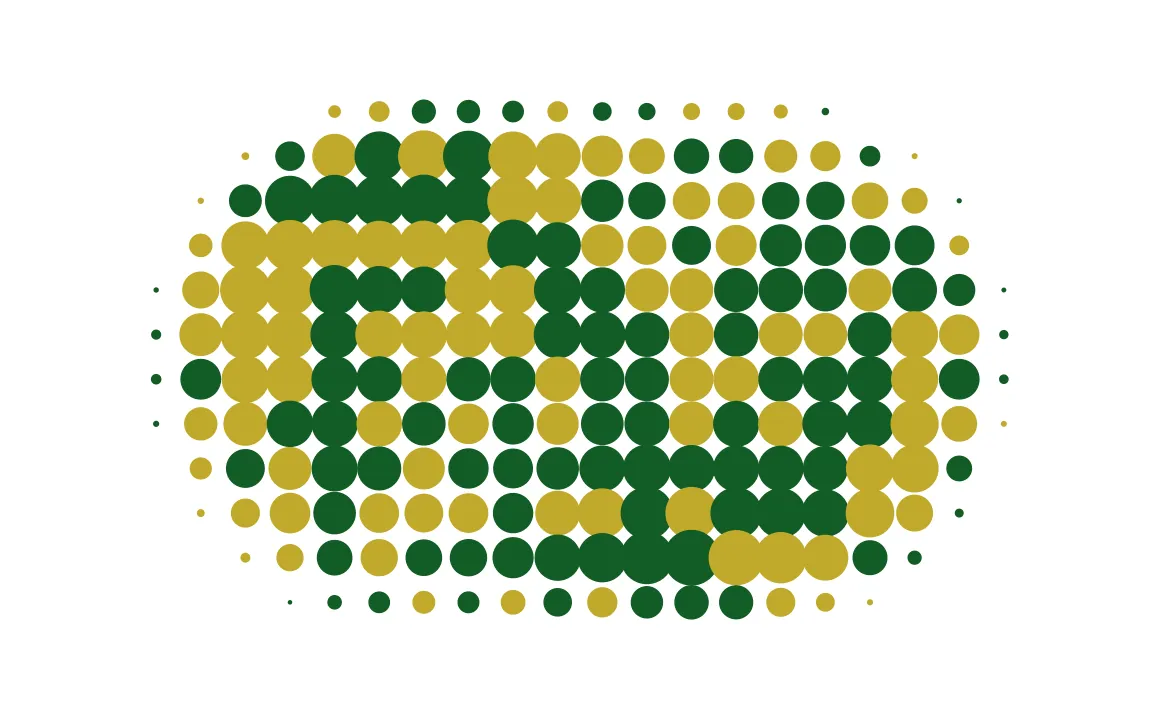
Inverted
- Keep the pattern only inside the area you set
- Use any of the mask shapes
- Everything outside the mask is left clear
How it works
From a style to a finished file
Pick a style, set the pattern up and get the file ready for the next job or for the press. Every change shows on the page at once.
Pick a style
Choose the kind of pattern you want. Each style brings its own set of controls.
Add your artwork
Load a PDF or SVG and use it as a guide while you set the pattern up — a finished design, or the die line of a box.
Set the size
Choose a page format or type the exact dimensions. Add bleed where the job needs it.
Set up the pattern
Change the geometry, the scale, the density and the rest. Which controls you get depends on the style.
Set the color
Set the colors of the figures and the background in RGB or CMYK. The background can be turned off and left transparent.
Set up the mask
Leave room for text, a logo or anything else. Set the shape, its place and how the pattern gives way to it.
Export
Save the result as SVG, PDF, PNG or JPG. The raster formats take whatever resolution you set.
Where it is used
Design, packaging, print and screen
Generate one full-size vector page for print, packaging, web or presentations.
Graphic design
Covers, posters, endpapers and title pages. Generate the pattern for the actual page and use a mask to leave room for type.
Packaging
Liners, sleeves, wraps and box interiors. Set the page to the flat dieline size and include the bleed.
Print production
CMYK colorways for print, plus flat-color options for riso and screen printing. Export remains vector even at B1.
Web and screen
SVG keeps the pattern sharp at any screen size and stays much lighter than a raster image.
Presentations and identity
Use the same colorway across different page sizes for consistent slides, title cards and brand materials.
Interiors and large format
Window film, wall panels and large posters. Generate the full page so the artwork can be used without a visible break between adjacent areas.
Questions
How it works, and why nothing repeats
Why doesn’t the pattern repeat?
Because Patterner generates the whole page instead of repeating a small tile. The pattern extends beyond all four edges, so you can trim the page anywhere without a visible break. If you need a repeating tile for wrapping paper, you need a different type of generator.
Is my pattern uploaded anywhere?
No. It is drawn in your browser, colored there and written to a file there. Nothing is sent to a server and nothing is stored.
What does the smoothness dial do?
It depends on the style, and the difference matters. On the shapes — terrazzo chips, Voronoi cells, camouflage — it cuts their corners. On the contours and the terraces it softens **the field** they are cut from, so every level is smoothed together. Smoothing the lines themselves is what makes two contours cross where they run close on a steep slope, and contours of one field cannot cross.
Why are the topographic lines not all the same weight?
Because every fifth one is an index contour, drawn a fixed amount heavier — 0.15 mm on top of an ordinary 0.2 mm line at the settings it opens with, and both are yours to set. That is the cartographic convention and it is what makes a survey map read as ground rather than as wiggly lines — and it is the thing most generated topographic patterns leave out.
Can I use these commercially?
Yes. You can use exported patterns in commercial projects without attribution.
How many inks can one page have?
Up to eight over the ground. Every colorway is written with four hand-picked inks; ask for more and the extra ones are mixed from the inks the set already holds, so a long palette stays in the family it started in. Most printed grounds are one or two inks, which is why the sets open where they do.
Why are the colors in CMYK?
Because that is what they will print in. The screen shows them converted, which is the right way around: the press converts nothing, and a color picked in RGB is a color somebody else will have to decide about later.
How are the terraces only one ink?
Each step is a tint of the same ink rather than a color of its own — 18 per cent through to solid. Six tints is one plate and one wash-up; six inks is five more.
Can I put my own drawing into a pattern?
Not yet. This draws its own figures. A pattern built from an uploaded shape is a different job and it is on the list.
Is it really free?
Yes. There is no account, credit system or watermark.
Fill a surface with a pattern
Real print dimensions and vector export — A4 to start with.